Components · Overlays
Drawer
StableSince v0.0.1
Slide-in panel from any edge of the screen.
import { Drawer } from '@nexub/react';Examples
Default
Bottom sheet
Props
| Prop | Type | Default | Description |
|---|---|---|---|
| Drawer.Root | compound | — | Root provider that manages open/close state. |
| Drawer.Trigger | compound | — | Element that opens the drawer. |
| Drawer.Portal | compound | — | Portals the overlay and content into the document body. |
| Drawer.Overlay | compound | — | Dimmed backdrop rendered behind the drawer. |
| Drawer.Content | compound | — | The drawer panel. Accepts a side prop. |
| scrollLock | 'style' | 'class' | — | On Drawer.Root. How page scroll is locked while open. class adds a class from @nexub/themes/base instead of injecting a <style> tag, so it works under a strict CSP (style-src 'self'). Default style. |
| side | 'left' | 'right' | 'top' | 'bottom' | — | Edge of the screen from which the drawer slides in. |
| Drawer.Header | compound | — | Header section of the drawer panel. |
| Drawer.Footer | compound | — | Footer section of the drawer panel. |
| Drawer.Title | compound | — | Accessible title for the drawer. |
| Drawer.Description | compound | — | Supporting description text for the drawer. |
| Drawer.Close | compound | — | Element that closes the drawer. |
| surface | 'solid' | 'glass' | 'solid' | Glass material on Drawer.Content — see Foundations → Materials. |
On iOS & Android: BottomSheet
@nexub/react-nativeAlpha
import { BottomSheet } from '@nexub/react-native';

<BottomSheet open={open} onOpenChange={setOpen} title="Filters" detents={[0.5, 0.9]}>…</BottomSheet>
Web vs mobile
Same tokens and prop names. Where the platforms differ:
| Web | iOS & Android | |
|---|---|---|
| Edge | Any side. | From the bottom with detents (content height or a 0–1 screen fraction) and a grabber; keyboard-aware. |
Interactive preview of @nexub/react-native rendered for the web. Native chrome (switches, pickers, Liquid Glass) looks like the platform on a device.
On device
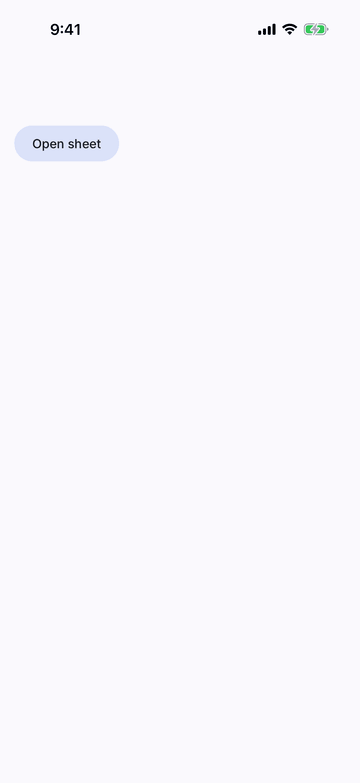
iPhone (iOS simulator)
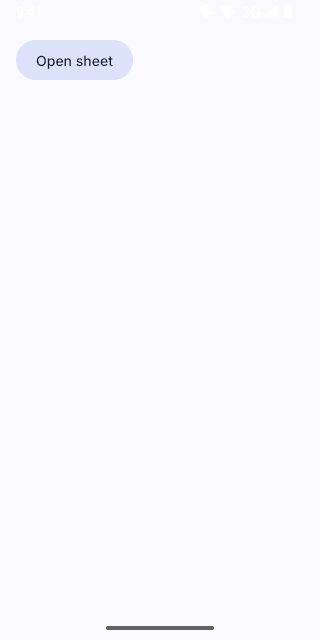
Pixel (Android emulator)
Screenshots from the latest CI run of the showcase app; the live frame renders the same code for the web.
BottomSheet props
| Prop | Type | Default | Description |
|---|---|---|---|
| openrequired | boolean | — | — |
| onOpenChangerequired | (open: boolean) => void | — | — |
| detents | SheetDetent[] | ['content'] | Heights the sheet rests at: 'content' (fits its content) or a 0–1 fraction of the screen. |
| title | string | — | — |
| childrenrequired | React.ReactNode | — | — |
| dismissable | boolean | true | Drag down, tap the scrim or Android back closes it. |
| scroll | boolean | — | Let the content scroll (long lists). |