Components · Interactive
Segmented Control
StableSince v0.0.1
Tab-style control for mutually exclusive selections.
import { SegmentedControl } from '@nexub/react';Examples
Default
Sizes
Props
| Prop | Type | Default | Description |
|---|---|---|---|
| size | 'sm' | 'md' | 'lg' | 'md' | Size of the segmented control. |
| value | string | — | The controlled selected value. |
| defaultValue | string | — | The initial selected value when uncontrolled. |
On iOS & Android: SegmentedControl
@nexub/react-nativeAlpha
import { SegmentedControl } from '@nexub/react-native';

<SegmentedControl label="Period" options={[{ value: 'w', label: 'Week' }, { value: 'm', label: 'Month' }]} defaultValue="w" />
Web vs mobile
Same tokens and prop names. Where the platforms differ:
| Web | iOS & Android | |
|---|---|---|
| API | Compound Root + Item. | options array and a required label for screen readers. |
Interactive preview of @nexub/react-native rendered for the web. Native chrome (switches, pickers, Liquid Glass) looks like the platform on a device.
On device
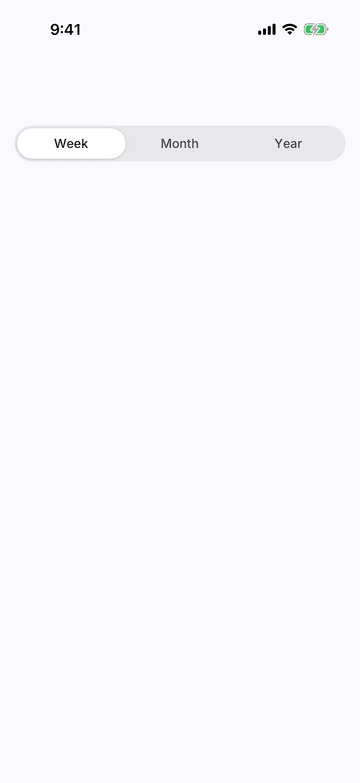
iPhone (iOS simulator)
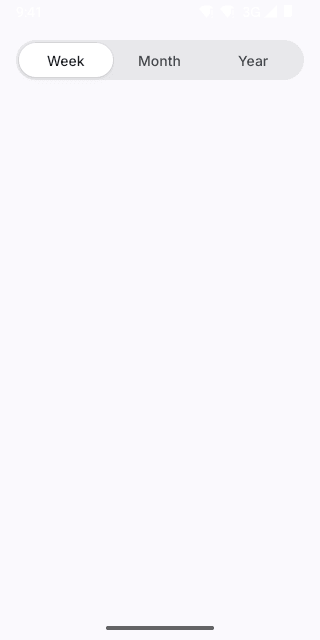
Pixel (Android emulator)
Screenshots from the latest CI run of the showcase app; the live frame renders the same code for the web.
SegmentedControl props
| Prop | Type | Default | Description |
|---|---|---|---|
| labelrequired | string | — | — |
| optionsrequired | readonly { value: T; label: string }[] | — | — |
| value | T | — | — |
| defaultValue | T | — | — |
| onValueChange | (value: T) => void | — | — |
| style | StyleProp<ViewStyle> | — | — |