Components · Labels & Badges
Filter Chip
StableSince v0.0.1
Interactive chip for filtering, supports selected/unselected state.
import { FilterChip } from '@nexub/react';Examples
Default
Props
| Prop | Type | Default | Description |
|---|---|---|---|
| selected | boolean | — | Controlled selected state of the chip. |
| onSelectedChange | (selected: boolean) => void | — | Called when the selected state changes. |
| disabled | boolean | — | Disables the chip. |
| size | 'sm' | 'md' | — | Controls chip size. |
On iOS & Android: FilterChip
@nexub/react-nativeAlpha
import { FilterChip } from '@nexub/react-native';

<FilterChip label="This month" selected onPress={toggle} />
Web vs mobile
Same tokens and prop names. Where the platforms differ:
| Web | iOS & Android | |
|---|---|---|
| Hit area | Visual size; xs/sm controls meet WCAG 2.5.8 (24px). | Always 44pt, extended with hitSlop when the visual is smaller. |
Interactive preview of @nexub/react-native rendered for the web. Native chrome (switches, pickers, Liquid Glass) looks like the platform on a device.
On device
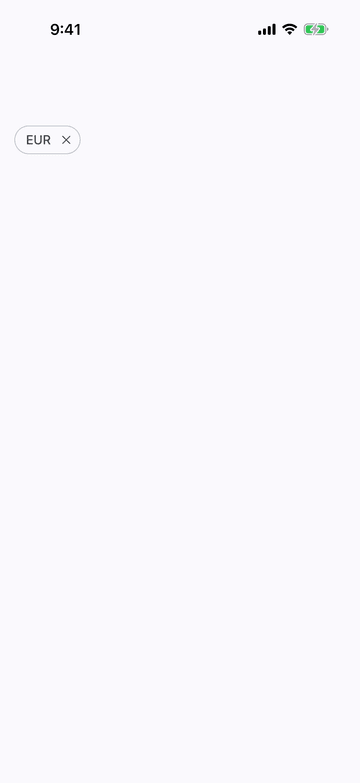
iPhone (iOS simulator)
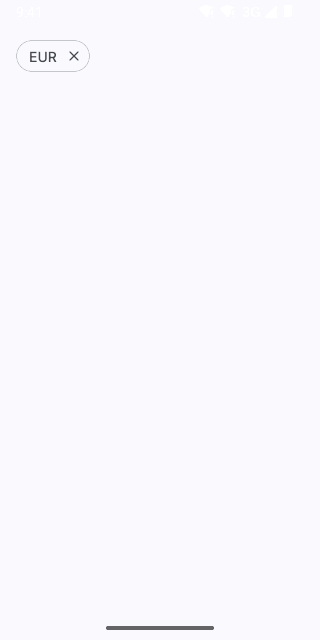
Pixel (Android emulator)
Screenshots from the latest CI run of the showcase app; the live frame renders the same code for the web.