Components · Mobile only · Actions
FAB
AlphaiOS & Android
Floating action button. Android only by default (`platforms`), since it reads as Material.
Usage
@nexub/react-native
import { FAB } from '@nexub/react-native';

<FAB icon={Plus} label="New transfer" onPress={create} extended />Interactive preview of @nexub/react-native rendered for the web. Native chrome (switches, pickers, Liquid Glass) looks like the platform on a device.
On device
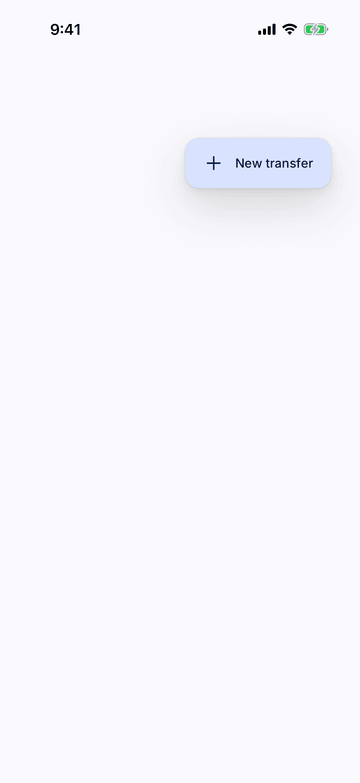
iPhone (iOS simulator)
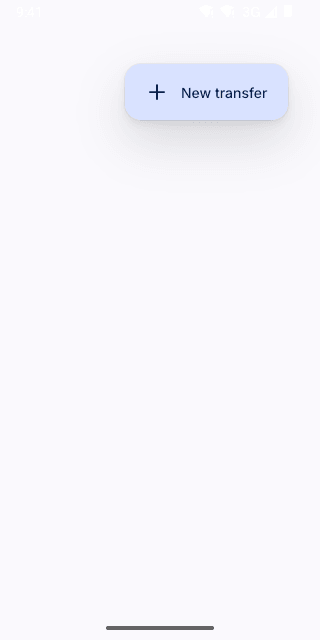
Pixel (Android emulator)
Screenshots from the latest CI run of the showcase app; the live frame renders the same code for the web.
FAB props
| Prop | Type | Default | Description |
|---|---|---|---|
| iconrequired | React.ComponentType<NativeIconProps> | — | — |
| labelrequired | string | — | Accessible name; also shown when extended. |
| onPressrequired | () => void | — | — |
| extended | boolean | — | — |
| platforms | ('ios' | 'android')[] | ['android'] | Platforms that render it (a FAB reads as Material; iOS uses a toolbar or nav-bar button). |
| bottomOffset | number | 0 | Extra bottom offset, e.g. the tab bar. |