Components · Data Display
Error State
StableSince v0.0.1
Full-page or section error view with retry action.
import { ErrorState } from '@nexub/react';Examples
Default
Warning
Props
| Prop | Type | Default | Description |
|---|---|---|---|
| titlerequired | string | — | Primary error heading shown to the user. |
| description | string | — | Supporting text with more detail about the error or recovery steps. |
| tone | 'error' | 'warning' | 'info' | 'error' | Controls the icon and colour scheme of the error state. |
| onRetry | () => void | — | When provided, renders a "Try again" button that calls this function on click. |
| actions | React.ReactNode | — | Custom action elements rendered below the description. Takes priority over the default retry button. |
On iOS & Android: ErrorState
@nexub/react-nativeAlpha
import { ErrorState } from '@nexub/react-native';

<ErrorState onRetry={refetch} />Interactive preview of @nexub/react-native rendered for the web. Native chrome (switches, pickers, Liquid Glass) looks like the platform on a device.
On device
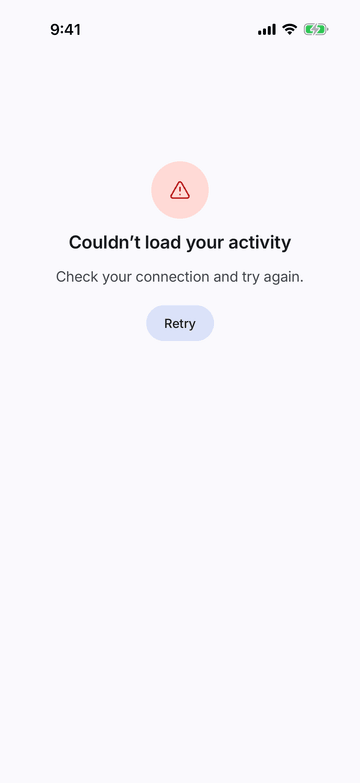
iPhone (iOS simulator)
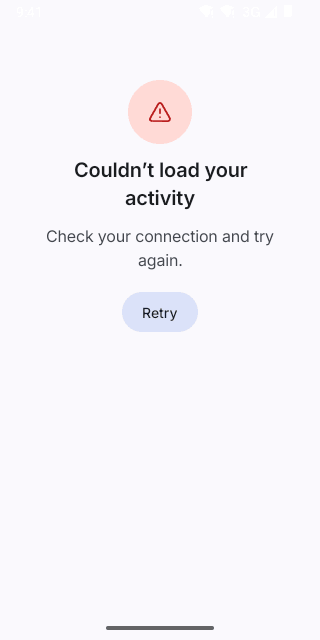
Pixel (Android emulator)
Screenshots from the latest CI run of the showcase app; the live frame renders the same code for the web.
ErrorState props
| Prop | Type | Default | Description |
|---|---|---|---|
| onRetry | () => void | — | Shows a Retry button (messages.retry). |