Components · Form & Input
Form Field
StableSince v0.0.1
Wraps Label, Input, HelperText and FormError into a single accessible group.
import { FormField } from '@nexub/react';Examples
Default
Props
| Prop | Type | Default | Description |
|---|---|---|---|
| namerequired | string | — | Name attribute forwarded to the underlying input. |
| id | string | — | Explicit id for the input; defaults to the name value. |
| error | string | — | Validation error message shown below the input. |
| required | boolean | — | Marks the field as required and renders a required indicator on the label. |
On iOS & Android: TextField
@nexub/react-nativeAlpha
import { TextField } from '@nexub/react-native';

<TextField label="Full name" helperText="As on your NRIC" />
Web vs mobile
Same tokens and prop names. Where the platforms differ:
| Web | iOS & Android | |
|---|---|---|
| Label | Compose Label + control + HelperText (or FormField). | One component: label, helperText and error are props. |
Interactive preview of @nexub/react-native rendered for the web. Native chrome (switches, pickers, Liquid Glass) looks like the platform on a device.
On device
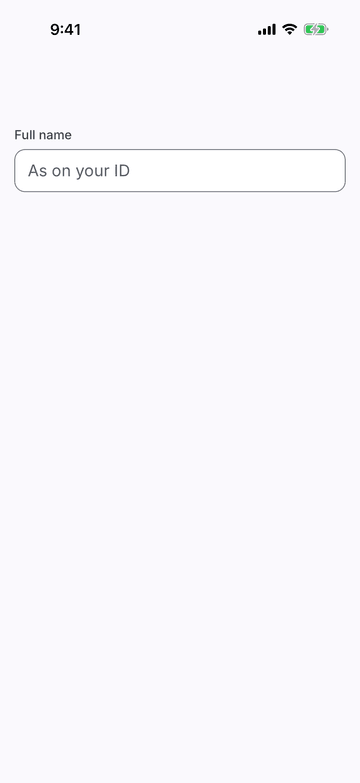
iPhone (iOS simulator)
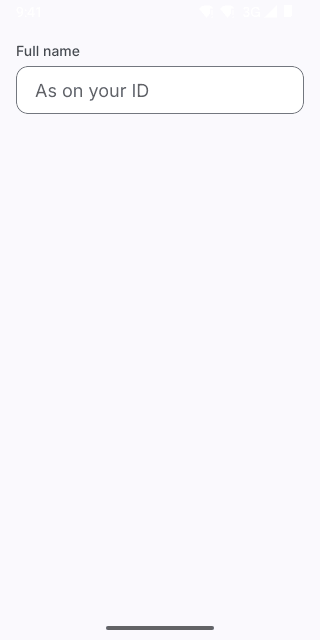
Pixel (Android emulator)
Screenshots from the latest CI run of the showcase app; the live frame renders the same code for the web.
TextField props
| Prop | Type | Default | Description |
|---|---|---|---|
| ref | React.Ref<React.ComponentRef<typeof TextInput>> | — | — |
| labelrequired | string | — | Visible label above the field (also its accessible name). |
| helperText | string | — | Hint under the field. Replaced by error when set. |
| error | string | — | Error message: red outline, announced, replaces the helper text. |
| disabled | boolean | — | — |
| size | Extract<ControlSize, 'md' | 'lg' | 'xl'> | 'lg' | — |
| leading | React.ReactNode | — | — |
| trailing | React.ReactNode | — | — |
| style | StyleProp<ViewStyle> | — | — |